GTA 6 looks too dark? The HDR settings to change
If the picture looks dim or crushed, the game's own HDR calibration is the likely cause. Push Square has starting values that fix it on PS5: brightness 2,000, black levels 20, paper white 35.
Players have been complaining that GTA VI looks too dark, especially at night and indoors. Push Square points to the game's HDR calibration screen, citing measurements by the display channel HDTV Test, which found the game's HDR values do not come out on screen the way the menu suggests.
The console's own HDR setup does not help here. Push Square says the game ignores the PS5's system-wide HDR calibration, so the fix has to be made inside the game.
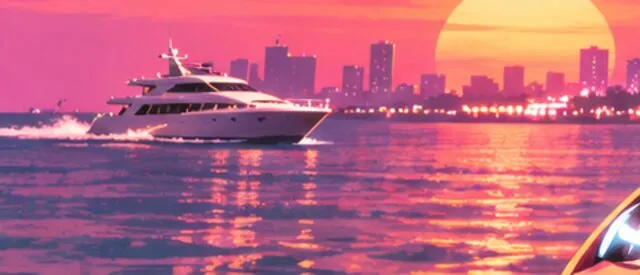
Open the pause menu and go to Settings, then Display, then HDR Calibration. Ignore the Rockstar logo test and judge by the two sample pictures of the boat party instead. R1 switches between the bright one and the dark one.
For a TV that can reach 1,000 nits or more, Push Square suggests starting at Brightness 2,000, Black Levels 20 and Paper White 35, then adjusting to your screen and room. It gives no values for dimmer TVs. These are one outlet's recommended starting points, not official settings, and neither Rockstar nor Sony has commented.
PS5 vs Xbox: which runs it better · GTA 6 controls and settings
Sources: Push Square: GTA 6 too dark? Here's how to fix it on PS5