Chase camera distance
How: Hold D-pad Down and press Square
Push Square says there are three distances for the camera behind the vehicle.
GTA VI cheats / GTA 6 info / First-person mode
Last updated November 20, 2026 · PS5 and Xbox Series X|S · from published launch guides, which disagree on details
No. GTA VI has no official first-person mode. Four launch guides agree on that. What the game does have is a first-person look that works only while you stand still, and first-person aiming once a gun has an optic: hold L2 and press R3. Players have also found a glitch that locks the camera into first person. It is unofficial and unfinished, Rockstar has not commented, and you try it at your own risk.
Clicking L3 and R3 without L2 starts Focus Mode instead, according to VGC and Red Bull. The full layout is on the GTA 6 controls page.
| Guide | What it says |
|---|---|
| Push Square | You cannot drive in first person. |
| PowerPyx | You can, while the phone is out. Press Up on the D-pad to raise it. |
| VGC | Some vehicles have a first-person view. |
This is disputed, so we show all three versions.
This is a bug, not a feature. Pure Xbox calls the view unfinished, and Dexerto warns that a patch could remove it and that you should not start missions while it is active. Our news post on the first-person glitch has the background.
How: Hold D-pad Down and press Square
Push Square says there are three distances for the camera behind the vehicle.
How: In a car, hold D-pad Down and press Options
Push Square, Red Bull and Dexerto all say the game has a cinematic camera. The button press is Push Square's.
How: In cinematic mode, hold Circle
Push Square says the car then drives itself to your waypoint. Red Bull and Dexerto confirm auto-drive exists.
Push Square gives these inputs for the PS5 controller.
There is no button that switches back. The two write-ups differ on what does work. Pure Xbox says being arrested or visiting a hair salon appears to return the camera to third person. Dexerto says the only way back is to reload a save.
Plan for the worst case. Save before you start, and do not try it in the middle of something you care about. Rockstar has not commented on the glitch.
Nobody knows. Push Square says a few story moments briefly force a first-person view. Beyond that, PowerPyx and Dexerto both guess that a full mode could come later. That is speculation. Rockstar has said nothing about it.
The beginner's guide covers the first hours, and best settings lists the camera and aim options the guides recommend.
No. VGC, Push Square, Dexerto and PowerPyx all say GTA VI launched without a full first-person mode. There is a first-person look that only works while you stand still, and first-person aiming when a gun has an optic.
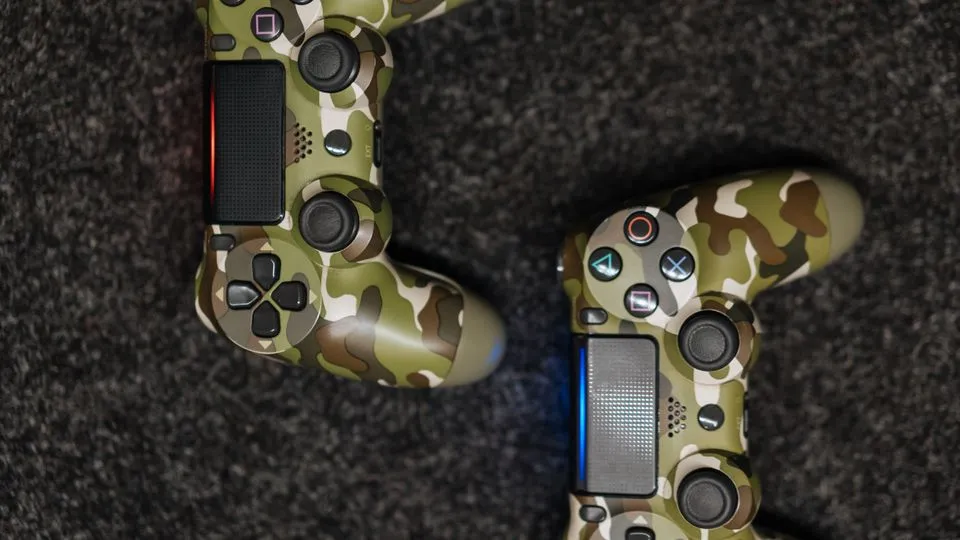
Push Square and PowerPyx say to hold L2 and press R3, or hold LT and press the right stick on Xbox. VGC says to press L2 and then click L3 and R3. You cannot walk in this view, and moving ends it.
Fit an optic first. Any gun store sells them under Attachments, then Optics. With one fitted, hold L2 and press R3 to aim in first person. Iron sights do not allow it.
Guides disagree. Push Square says you cannot. PowerPyx says you can while the phone is out. VGC says some vehicles have a first-person view.
Yes, according to Pure Xbox and Dexerto. It uses a controller setting and quick button presses in a vehicle to lock the camera into first person. It is unofficial and unfinished, and Rockstar has not commented.
There is no button for it. Pure Xbox says being arrested or visiting a hair salon appears to bring back third person. Dexerto says the only way back is to reload a save, so make a manual save before you try it.
Sources: Push Square first-person guide · PowerPyx first-person view · VGC first-person mode explained · Dexerto first-person guide · Pure Xbox on the glitch · Red Bull beginner's guide · Red Bull settings · Dexerto settings. Wording and the save advice are ours.
As an Amazon Associate we earn from qualifying purchases. How we make money