GTA VI cheats / GTA 6 info / Crashing fixes
GTA 6 crashing on PS5 or Xbox? How to fix crashes and loading
Last updated November 22, 2026
Some players have hit crashes and failed launches since GTA VI came out. Rockstar has not shipped a patch that names a crash fix, and its official GTA VI error article points console players to PlayStation and Xbox support rather than a Rockstar tool. So the fix is standard console troubleshooting, and in most cases it is a missing update or the game on the wrong drive. Work through the steps below in order and keep an eye on our GTA 6 update tracker for when a patch lands.
- Official crash patch
- None yet
- Rockstar's advice
- Use PS5 / Xbox support
- Most common cause
- Missing system or game update
- PS5 storage rule
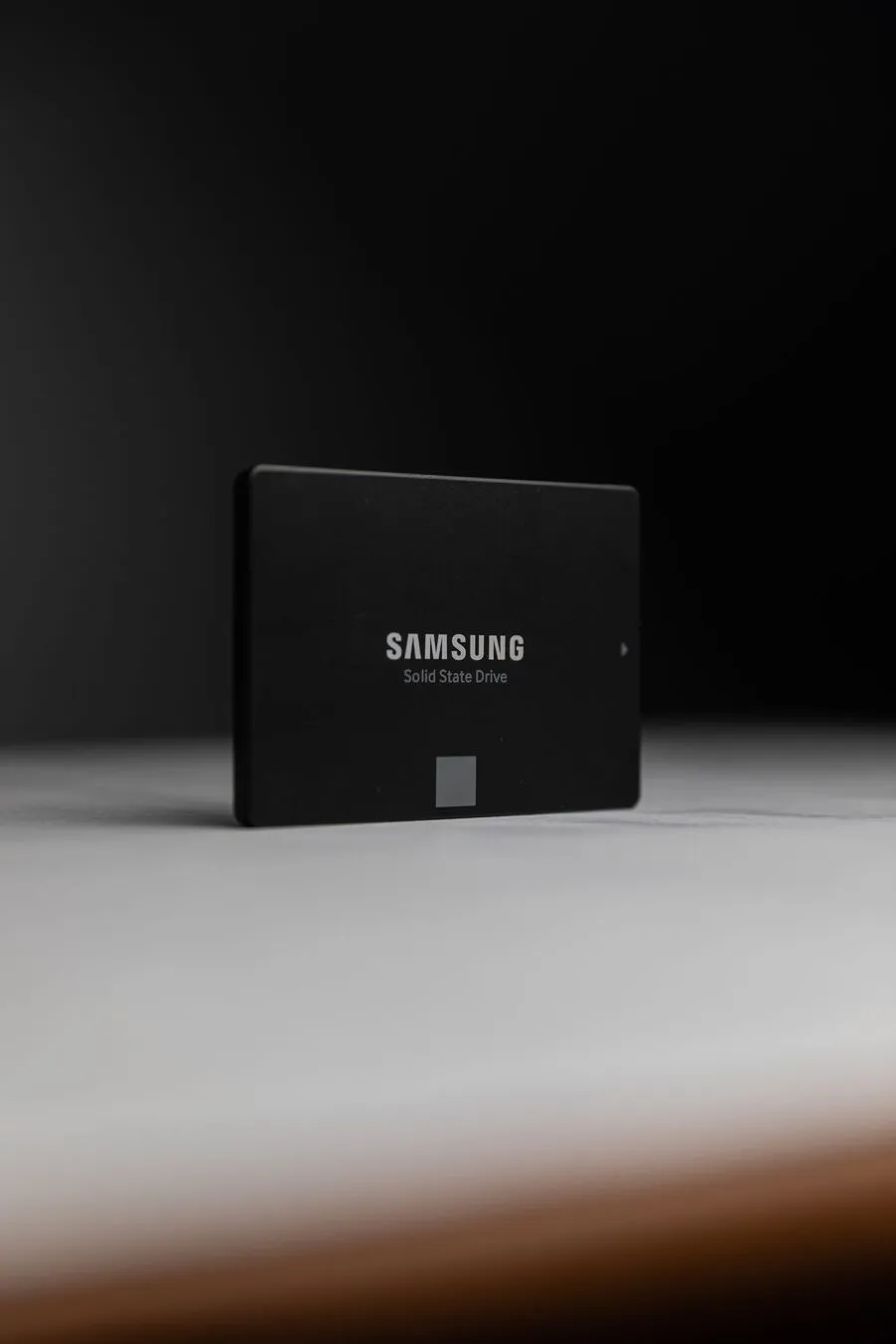
- Internal or M.2 SSD only
- Platforms
- PS5, Xbox Series X|S
Fix GTA 6 crashes: PS5 vs Xbox
| Step | PS5 | Xbox Series X|S |
|---|---|---|
| Update everything | System software, then game: highlight GTA VI, Options, Check for Update | Settings, System, Updates, then My games & apps, Manage, Updates |
| Full restart | Fully power off, not Rest Mode, then boot up | Hold power 10 seconds, unplug for a minute, boot up |
| Clear or rebuild | Safe Mode, Rebuild Database and Restore Licenses | The power cycle clears the cache; reinstall if an install looks corrupt |
| Right drive | Move GTA VI to internal or M.2 SSD, it cannot run from USB | Internal SSD or the Storage Expansion Card, not a plain USB drive |
| Last resort | Delete and reinstall GTA VI | Uninstall and reinstall GTA VI |
These are the consoles' own troubleshooting steps, the same ones Sony and Microsoft recommend for any game. Exact menu labels can shift slightly between system software versions.
Is GTA 6 crashing a known bug?
Players have reported crashes, freezes and black screens since launch, PS5 owners among them. What Rockstar has not done, as of November 22, 2026, is publish a patch note that names a crash fix or confirm a single cause. Its official GTA VI error troubleshooting article simply routes console errors to PlayStation support and Xbox support. Until a patch arrives, treat it as standard console troubleshooting, which clears the large majority of crashes and loading failures.
First: update your console and the game
The single most common cause of a game that crashes on launch or will not load is a missing update, either the console's system software or the game itself. On PS5, install any system software update, then highlight Grand Theft Auto VI, press Options and choose Check for Update. On Xbox, open Settings, System, Updates, then My games & apps, Manage, Updates. Do this first; it fixes more crashes than any other step. Our update guide has the full update steps.
How to fix GTA 6 crashing on PS5
Work through these in order. First, a full restart: power the PS5 all the way off and boot it again, rather than using Rest Mode, which can leave the fault in place. Next, make sure GTA VI is on the internal SSD or an installed M.2 drive. PS5 games cannot be played from USB extended storage, only stored there, so if the game was moved to a USB drive, copy it back to internal storage.
If it still crashes, boot into Safe Mode (hold the power button until the second beep) and run Rebuild Database, which re-indexes the drive without deleting your games or saves, followed by Restore Licenses. Free up space if the drive is nearly full. As a last resort, delete and reinstall GTA VI. For anything with a specific error code, PlayStation's error-code support is where Rockstar points you.
How to fix GTA 6 crashing on Xbox Series X|S
Start with a full power cycle, which clears the console's cache: hold the power button for about ten seconds until the console shuts off, unplug it for a minute, then turn it back on. This alone resolves a lot of crashes. Then confirm the system and the game are fully updated under Settings, System, Updates and My games & apps.
Make sure there is free storage and that GTA VI is on the internal SSD or the official Storage Expansion Card, not a plain USB drive. If one install looks corrupted, uninstall and reinstall the game. For a specific error code, use Xbox's error-code search, which is the second link in Rockstar's own error article.
If the whole console shuts off
There is a difference between the game crashing and the console powering off. A game crash sends you back to the dashboard or shows an error with the console still on. If the entire console powers down, or several demanding games crash, that points to the hardware or ventilation rather than GTA VI specifically. Make sure the console has clear airflow and is not boxed in, and if it keeps powering off across games, follow the console maker's hardware support rather than treating it as a GTA VI problem.
What not to do
Do not factory reset the console, delete your saves, or open the hardware as routine GTA VI troubleshooting; reinstalling the game should be your last step, not your first. There is no "GTA 6 fix tool"; anything advertised as one is a scam, so do not download it. And do not force the console off while the game is saving. Save manually before risky moments, and after any crash use Load Game to pick up your most recent autosave.
When will Rockstar fix it?
Rockstar has not announced a date, and no post-launch patch note has named a crash fix so far. The honest answer is that a fix arrives when Rockstar ships it. Keep auto-updates on so you get each build the moment it is live, and watch our GTA 6 update tracker, which follows the version and where official notes will appear.
GTA 6 crashing FAQ
Why does GTA 6 keep crashing on PS5?
Most console crashes and failed launches trace back to a missing system software update, a missing game update, or the game running from the wrong drive. Install the latest PS5 system software and GTA VI update, do a full restart rather than Rest Mode, and make sure the game is on the internal SSD or an installed M.2 drive, since PS5 games cannot run from USB storage. If it still crashes, rebuild the database from Safe Mode. Rockstar has not published a patch note calling out a specific crash bug.
How do I stop GTA 6 crashing on Xbox Series X|S?
Start with a full power cycle: hold the console's power button for about ten seconds until it shuts off, unplug it for a minute, then boot back up. Install any system and game updates, free up storage, and if a particular install looks corrupted, uninstall and reinstall GTA VI. These are the standard Xbox steps Microsoft recommends for any game that crashes.
Is there an official GTA 6 crash fix?
Not a dedicated one. As of November 22, 2026 Rockstar has not shipped a patch that names a crash fix, and its official GTA VI error article sends console errors to PlayStation and Xbox support instead. Keep your console and the game updated and the standard fixes below clear most crashes.
Can I play GTA 6 from a USB drive?
On PS5, no. PS5 games must sit on the console's internal SSD or an installed M.2 expansion drive; a USB drive can only store them, not run them. If GTA VI was moved to USB storage it will not launch properly, so copy it back to internal storage. On Xbox, GTA VI can run from the official Storage Expansion Card but not from a plain USB drive.
Does GTA 6 crashing delete my progress?
Usually not. GTA VI autosaves, so after a crash load your most recent save from Load Game. The main risk is losing a little progress since the last save, so save manually before risky moments and do not force the console off while the game is saving.
What is error CE-108255-1?
It is a general PlayStation crash error that appears across many games, not a GTA 6 specific code, so there is no GTA 6 only fix for it. Treat it like any PS5 crash: update the system software and game, do a full restart, rebuild the database in Safe Mode, and if it persists follow PlayStation's own error-code support.
Rockstar's GTA VI error troubleshooting (updated November 18, 2026) routes console errors to PlayStation 5 support and Xbox support. The restart, rebuild, storage and reinstall steps are the standard PS5 and Xbox Series X|S troubleshooting Sony and Microsoft document. No Rockstar patch has named a crash fix as of November 22, 2026, see our update tracker.
Keep exploring GTA 6

Best gear for GTA VI
As an Amazon Associate we earn from qualifying purchases. How we make money